The strongest Viggle AI alternatives are Runway Act-Two for performance capture, Hedra Character-3 for talking characters, Kling AI for general video generation, HeyGen for avatar presenters, and Wan 2.2 Animate if you can self-host.
Why people look for a Viggle AI alternative
Viggle’s core trick is narrow and genuinely useful. You feed it a character image plus a reference motion clip, and it maps that movement onto your character. Problems appear the moment you need speech, brand-safe output, longer source footage, or a license your legal team will actually sign.
Volume is the first wall. TechRadar reports that Viggle’s free tier caps users at five relaxed-mode videos per day and two simultaneous generations. A social team shipping daily cuts hits that ceiling before lunch.
Source length is the second constraint. According to TechRadar, motion reference video uploads are capped at 10 minutes even on Viggle’s paid plan. That is fine for a dance loop and awkward for a full stage performance you wanted to retarget in one pass.
Scope is the third and biggest. Viggle moves a body; it does not write your voiceover, sync lips to a localized script, or produce a presenter who resembles your actual spokesperson. Teams that start with meme experiments often end up needing an explainer, a product walkthrough, or a paid ad in four languages — a different tool category entirely.
How we compared these five alternatives
This comparison is desk research, not a hands-on bake-off. The editorial team read vendor documentation, official help-center articles and public pricing pages, then recorded only the numbers those pages state directly. Where a vendor does not publish a figure, no figure appears here.
What we checked:
- Published price units (per second, per credit, per seat, per month) rather than plan names
- Documented clip-length and upload limits
- Which plan tier a feature requires
- Release dates stated by the vendor
What we could not check:
- Side-by-side visual quality on the same input character
- Real queue times at peak hours
- Regional licensing terms and enterprise contract pricing
- How each model handles obscured limbs, loose clothing or fast camera motion
Generative video pricing moves fast. Re-read the vendor’s pricing page before you commit a quarter’s budget, and ask sales for the commercial-use clause in writing if your output will run as paid media.
1. Runway Act-Two
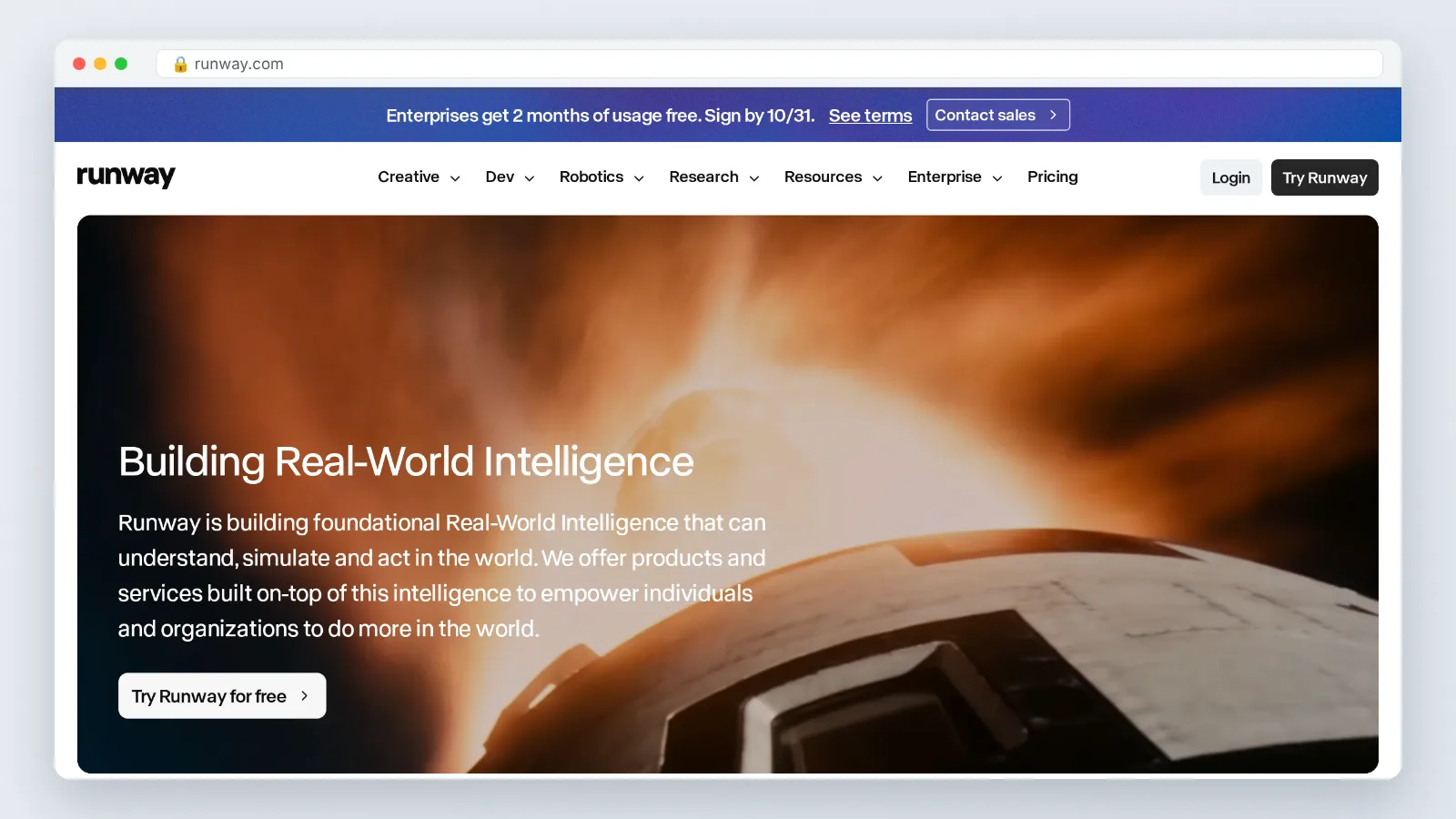
Act-Two is the closest like-for-like swap for Viggle’s "drive a character with a recorded performance" loop. You record a driving performance, point it at a character, and get retargeted motion back. For teams already editing in a timeline, the mental model barely changes.
Runway’s help center states that Act-Two performance capture costs 5 credits per second with a 3-second minimum and supports clips of up to 30 seconds. That per-second unit is easy to budget against: a 20-second hero shot is a known cost before you record anything.
Two documented constraints shape the workflow. Runway’s help center notes that Act-Two is not available on the free tier and requires at least a Standard plan. For multi-character dialogue scenes, Runway instructs creators to keep dialogues under 30 seconds in total, which is Act-Two’s maximum duration — so a two-hander has to fit inside that same budget, not get 30 seconds per speaker.
Migration effort is low. You re-record the driving performance yourself instead of pulling a long reference clip, then cut shorter beats and assemble them in your editor. Budget an afternoon to re-shoot references and a second pass to match framing across shots.
2. Hedra Character-3
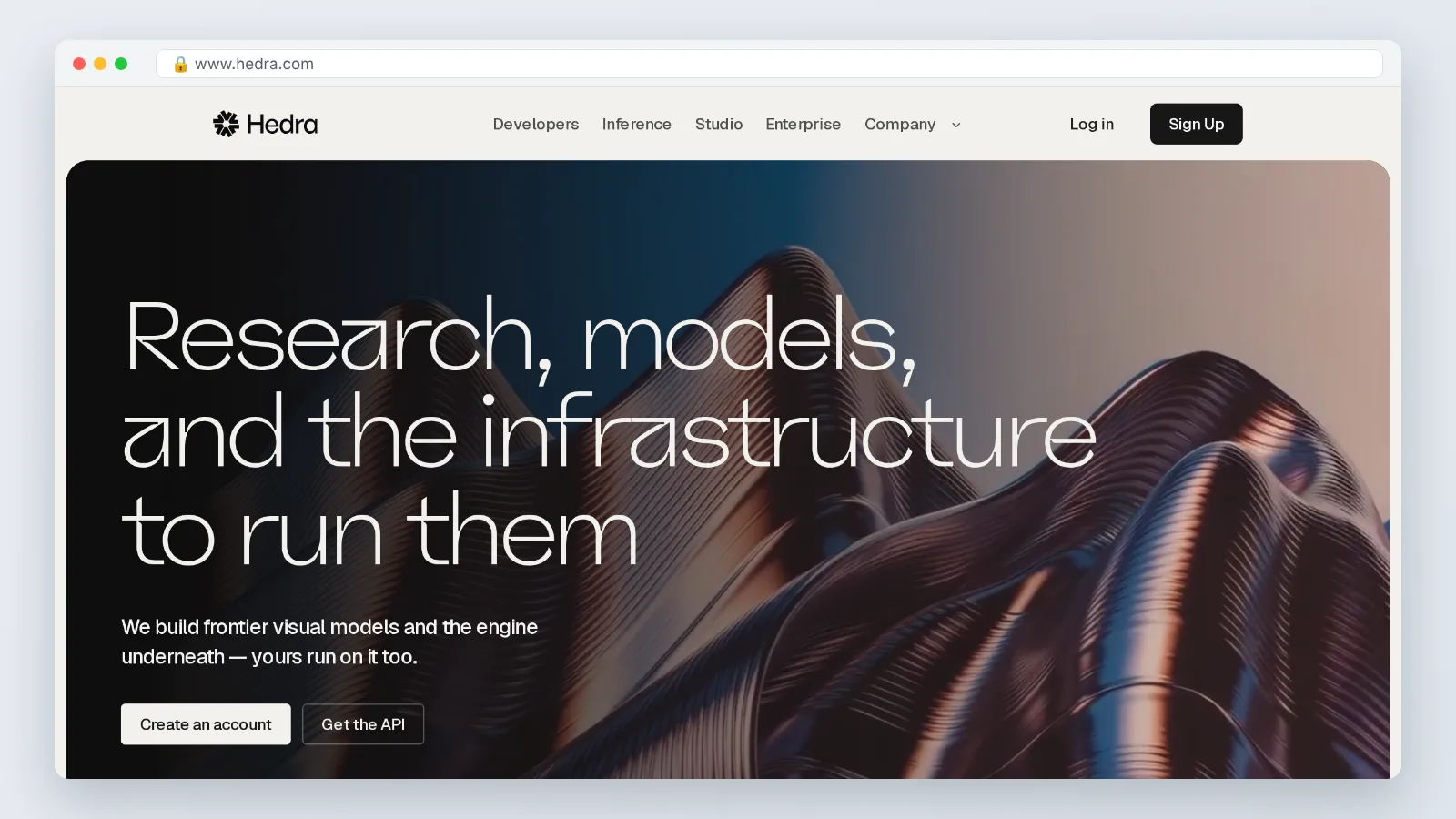
Hedra sits in the talking-character lane rather than the full-body dance lane. Its product page describes Character 3 as omnimodal character video, and Hedra states that Character 3 was released in March 2025 as the successor to Character 2.
Pick this one when the output is a face delivering lines: an animated mascot answering FAQs, a stylized host for a short series, a character reading a script you wrote. Full-body choreography is not the point here.
Migration effort is low if you already have clean audio, and higher if your whole pipeline assumes a motion reference clip. Rebuild the input side first — a scripted voiceover recorded in a quiet room will do more for the result than any prompt tweak.
Before you move, confirm three things on Hedra’s own pages: the commercial-use terms for your output, the maximum duration per generation on the tier you plan to buy, and whether your character art style survives the process. Run one real asset through the free path, not a stock photo. Judge it on a phone screen, because that is where the clip will be watched.
3. Kling AI
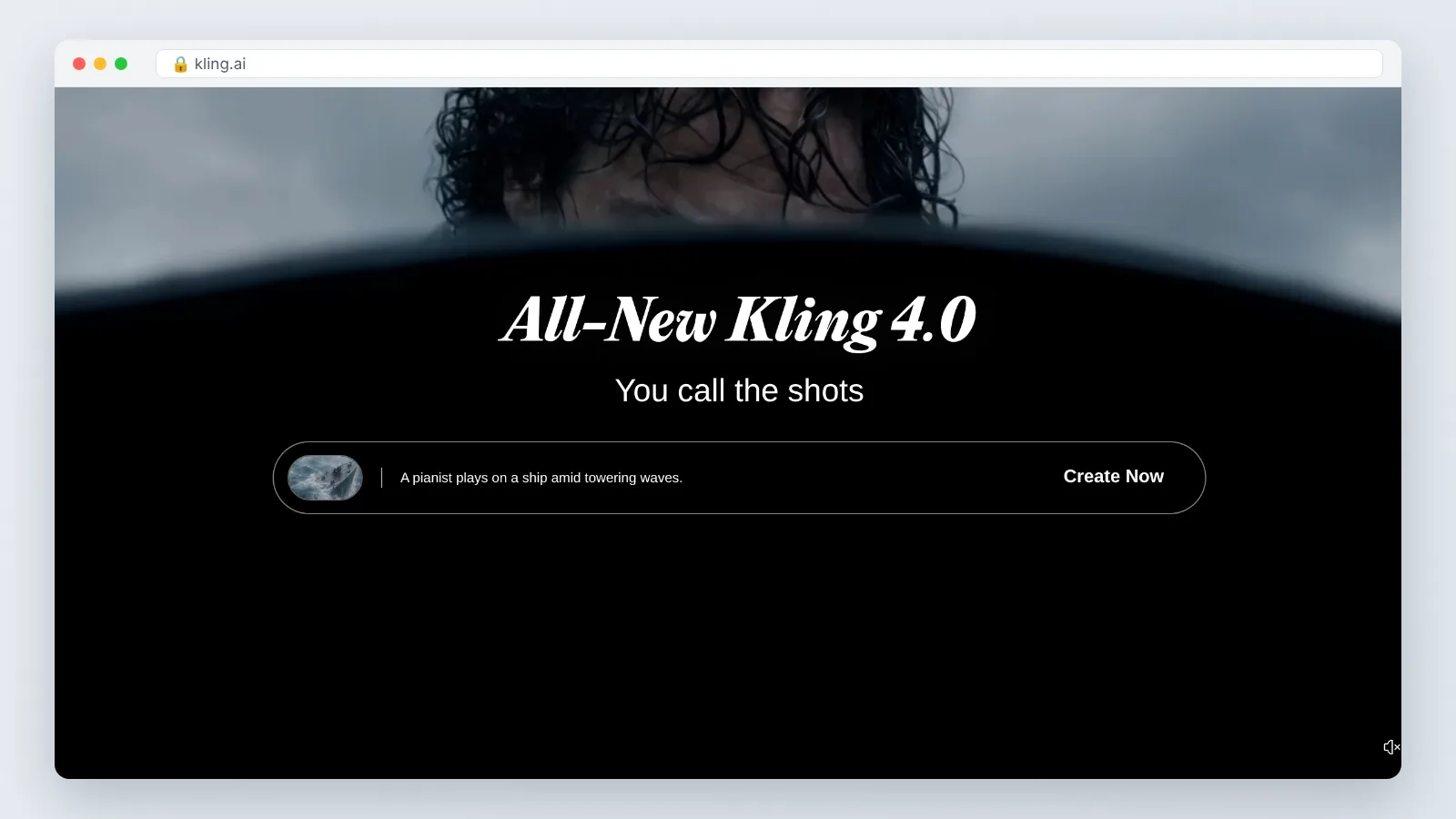
Kling AI belongs to the general-purpose generative video family rather than the performance-retargeting family. You describe or seed a shot and the model produces motion, instead of copying a specific human performance frame by frame.
That makes it the wrong swap when a client approved an exact choreography, and the right swap when the brief is looser: a character walking through a city, a product hero shot with gentle camera drift, a mood cutaway between interview segments. Creative control shifts from "match this reference" to "describe this shot."
Migration effort is medium, and the work is mostly in your head. Prompting replaces reference-clip sourcing, so the person doing it needs shot vocabulary — lens, movement, pacing — more than animation skill. Expect a few days of calibration before your hit rate feels predictable.
Check the credit mechanics and commercial terms on Kling’s own pricing page before you move production over, and run a cost-per-finished-clip estimate rather than a cost-per-generation one. Rejected takes are the real expense in any generative video pipeline.
4. HeyGen
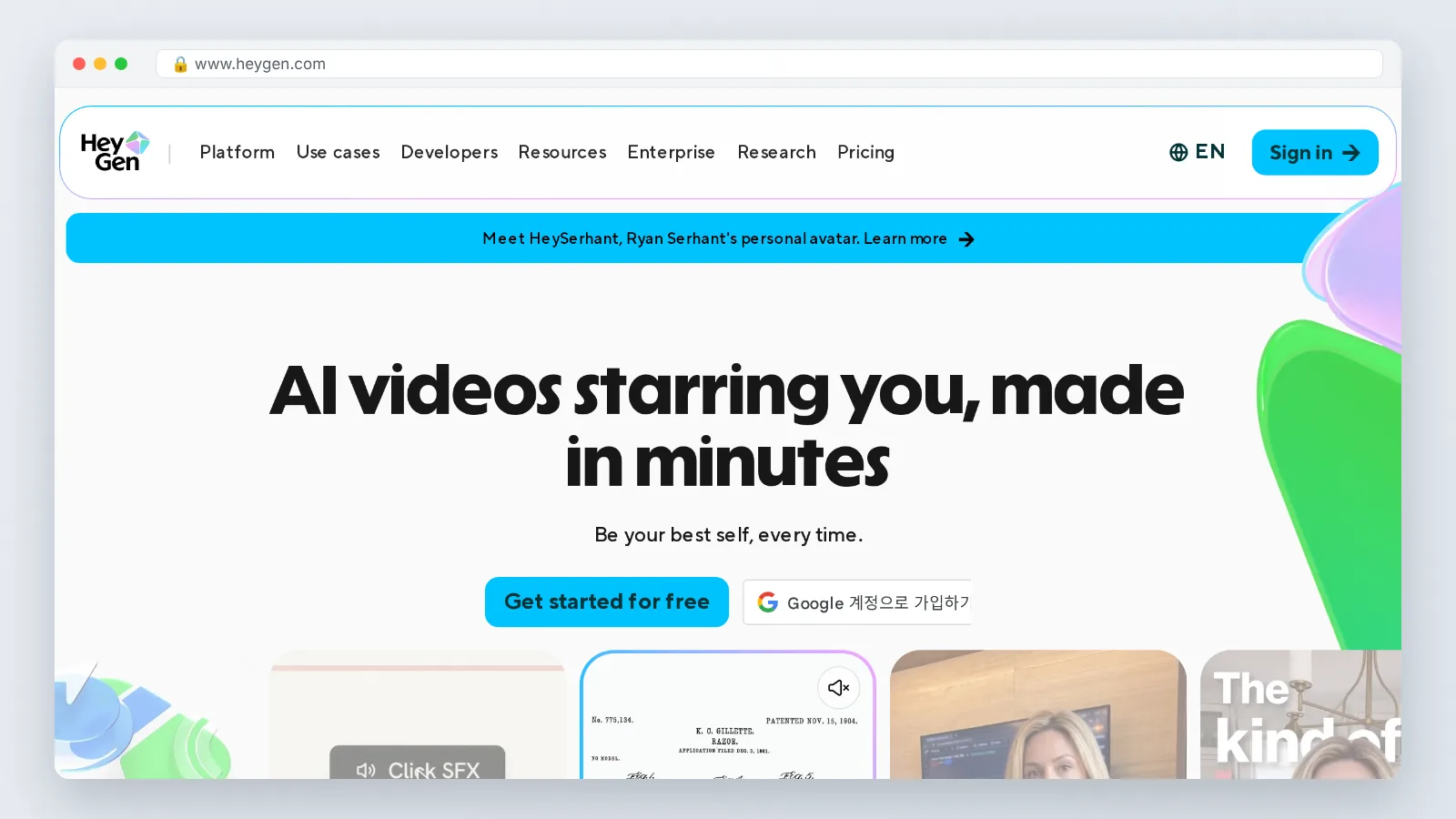
HeyGen answers a different question than Viggle: how do you get a person on camera saying your script, in several languages, without booking a shoot? If your "character animation" need is really a presenter need, this category beats any motion-retargeting tool on turnaround.
The workflow is script-first. You write, pick an avatar and voice, generate, then iterate on copy instead of re-shooting. Marketing teams use it for onboarding clips, release notes and localized ad variants where the visual is a talking head. AI Studios by DeepBrain AI sits in the same category and follows the same script-first pattern.
Treat this section as a category explainer rather than a spec comparison. None of the avatar-platform pages reviewed for this article published a per-video price unit, a documented clip-length limit or a tier requirement in a form we could quote directly, so confirm all three on the vendor’s current pricing page before you plan a quarter around them.
The limitation here is structural rather than a matter of plan tier. Avatar platforms animate a stock or cloned presenter from a script; they do not retarget a recorded performance onto an arbitrary character. If a client signed off on specific choreography, this category cannot reproduce it, and you are back to performance capture.
Migration effort from Viggle is high in concept and low in execution. Nothing transfers except your brand assets, but a first usable video usually takes an hour rather than a day.
5. Wan 2.2 Animate (open source)
Wan 2.2 Animate is the option for teams that would rather own the pipeline than rent it. It is generally described as an open-weights release, but no vendor model card appears among the sources reviewed for this article, so treat the open-weights and self-hosting premise as a category description to verify before you build on it.
In that category, self-hosting means you can run generations on your own GPUs or a rented instance, batch overnight, and keep source footage inside your infrastructure — which matters if client contracts restrict uploading unreleased assets to third-party services.
The cost shape inverts. There is no per-clip fee; there is GPU time, storage, and the salary of whoever maintains the setup. Treat that honestly in a budget comparison, because a self-hosted stack that nobody owns will quietly rot.
Migration effort is high. Plan on a technical owner who is comfortable with Python environments, model weights and CUDA drivers, and give them a fixed evaluation window — two weeks is a reasonable first bet — to produce three finished clips at the quality your team would actually publish.
Licensing deserves a careful read, and it depends on the premise above holding. Open weights do not automatically mean unrestricted commercial use, and the terms differ between model families. This is general information, not legal advice; have counsel review the license before shipping client work.
How to choose the right Viggle alternative for your workflow
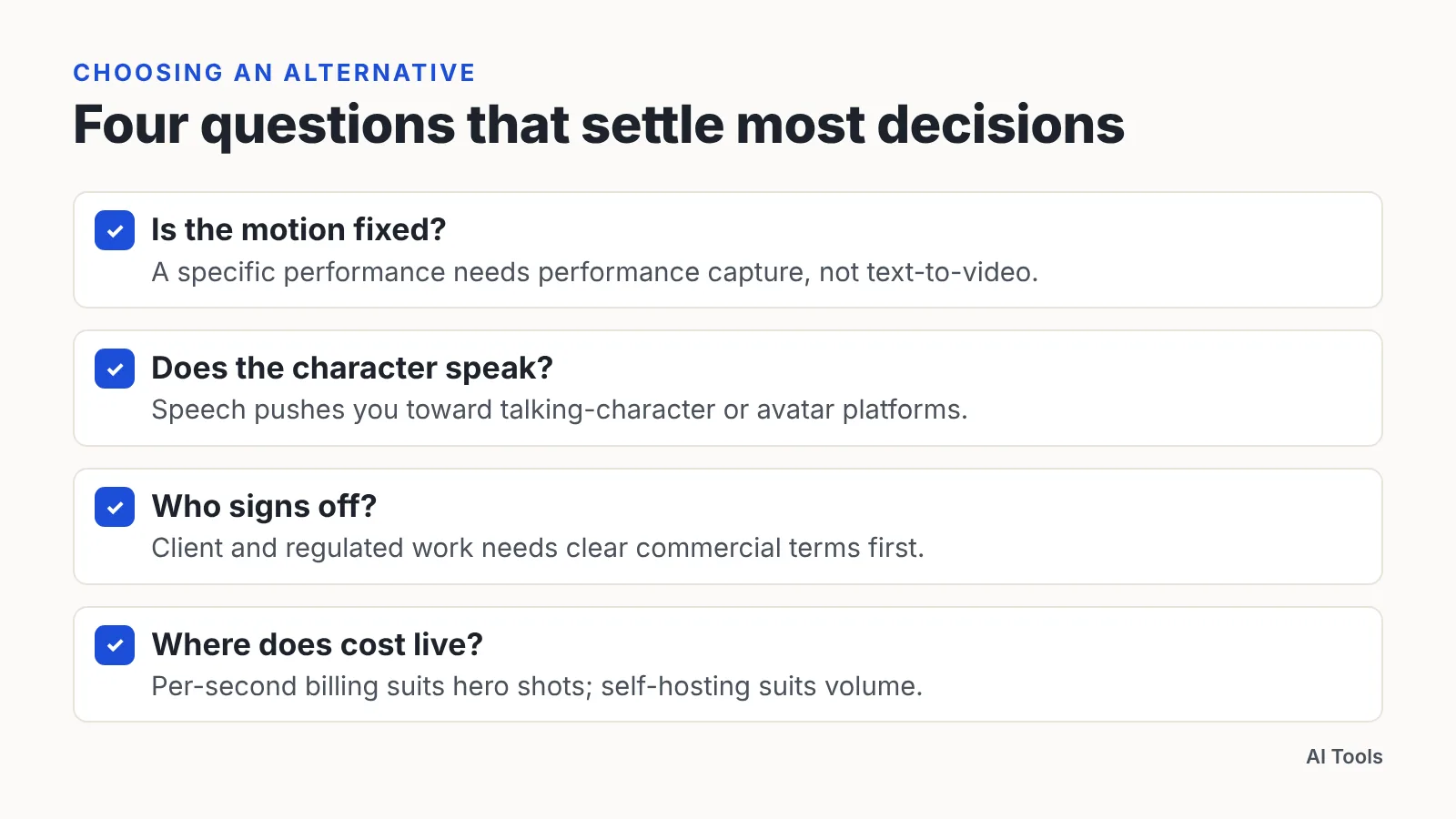
Match the tool to the job, not to the hype cycle. Four questions settle most decisions.
- Is the motion fixed? If a specific performance must be reproduced, you need performance capture, not text-to-video.
- Does the character speak? Speech pushes you toward talking-character or avatar platforms.
- Who signs off? Client and regulated work needs clear commercial terms before the first render.
- Where does cost live? Per-second billing suits occasional hero shots; self-hosting suits constant volume.
| Tool | Documented price unit | Documented limit | Migration effort from Viggle | Best fit |
|---|---|---|---|---|
| Runway Act-Two | 5 credits per second, 3-second minimum (Runway) | Clips up to 30 seconds; Standard plan or higher required (Runway) | Low | Retargeting a recorded performance |
| Hedra Character-3 | No price published in sources reviewed | None published in sources reviewed (Character 3 release date, March 2025, is cited in section 2) | Low with clean audio | Talking characters and hosts |
| Kling AI | No price published in sources reviewed | None published in sources reviewed | Medium | Prompt-driven shots, loose briefs |
| HeyGen (avatar platforms) | No price published in sources reviewed | Cannot retarget a recorded performance onto an arbitrary character | Low, but a different output | Scripted presenter and localized video |
| Wan 2.2 Animate | Your own GPU and engineering time | Depends on your hardware | High | High volume, data stays in-house |
Run one real project through your top two choices before switching. A finished, approved clip tells you more than a dozen test renders.
When to stay with the original
Switching has a cost, and sometimes the math says stay. Viggle lists its paid Animate and Mix tier at $9.99 per month including 80 Viggle Credits per month — cheap enough that a social team producing meme-format edits may never justify the retraining time of a new pipeline.
Stay if all of this is true: you own or safely license the reference footage, the output lives on social rather than in paid media, nobody needs to speak on camera, and the work fits inside the daily and upload limits TechRadar documents. That is a real and common profile for community managers and solo creators.
Stay also when the deadline is tomorrow. A tool your team already knows will beat a better tool nobody has configured, every time, and a missed drop costs more than a slightly stiffer render.
Revisit the decision when any of three things change: a client asks for commercial-use documentation, the brief adds voiceover, or your monthly credit spend starts to look like a seat on a per-second platform. Those are the moments the alternatives earn their switching cost.
Frequently asked questions
What is the closest direct alternative to Viggle AI?
Runway’s Act-Two is the closest match because it retargets a recorded performance onto a character. Runway’s help center states it costs 5 credits per second with a 3-second minimum and supports clips of up to 30 seconds.
Is there a free Viggle AI alternative?
Free tiers exist across the category, but check the limits before planning around them. Runway’s help center states that Act-Two is not available on the free tier and requires at least a Standard plan, so budget for a paid seat if performance capture is your core workflow.
Why do teams outgrow Viggle AI?
Three documented limits usually trigger the search. TechRadar reports that Viggle’s free tier caps users at five relaxed-mode videos per day and two simultaneous generations, and that motion reference uploads are capped at 10 minutes even on the paid plan.
Which alternative works best for marketing videos with a spokesperson?
Avatar platforms in the HeyGen category fit better than motion-retargeting tools: you write a script, pick an avatar and voice, and iterate on copy instead of re-shooting. The trade-off is that these platforms animate a presenter from a script and do not retarget a recorded performance onto an arbitrary character, so approved choreography still needs a performance-capture tool.
Is an open-source option like Wan 2.2 Animate cheaper?
Only at high volume. You remove per-clip fees but take on GPU time, storage and a technical owner who maintains the stack, so compare total cost per finished, approved clip rather than per generation — and have counsel review the model license first.
Sources
This article was drafted with AI assistance and published by the AI Tools Editorial Team after its facts were checked against the sources listed above.